Set the tone.
Choose the typography, colours, and layout that belong to your project.
 formlism
Draft the questions, shape the details, and see the form come together.
Start creating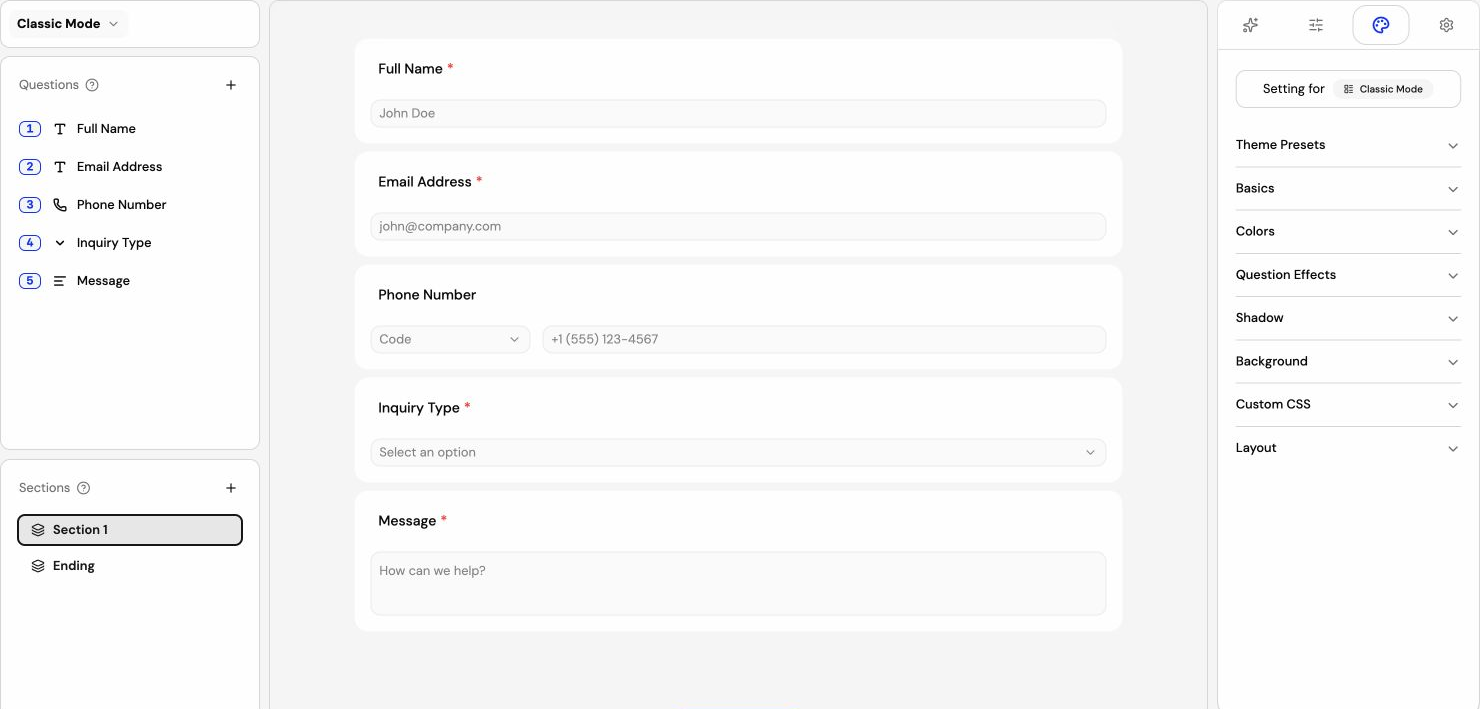
Choose the typography, colours, and layout that belong to your project.
Arrange a complete form or focus attention on one question at a time.
Review the content and appearance before you share it with anyone.
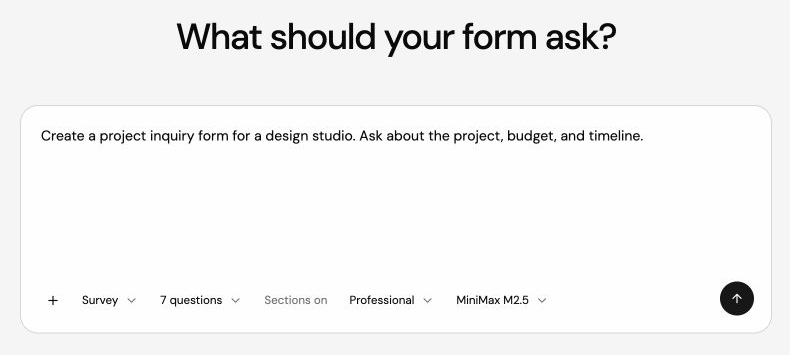
Use AI to get past the blank page. Give it the purpose of the form, then decide what stays.
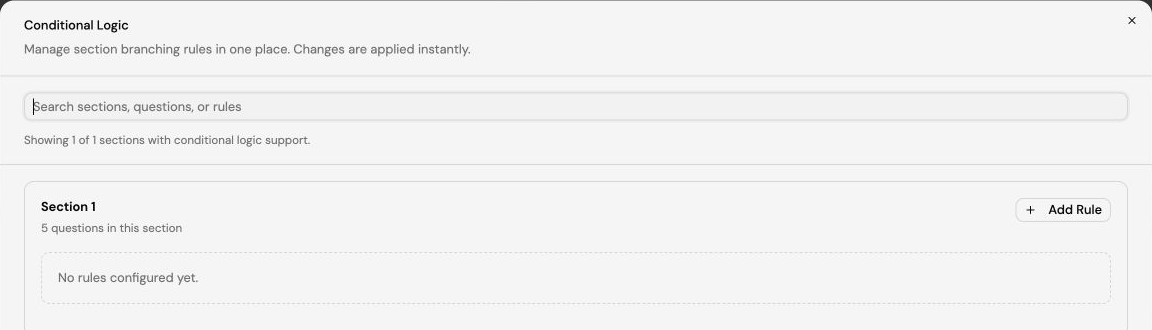
Build conditional paths around the answers people give. Keep the experience focused on the questions that apply.
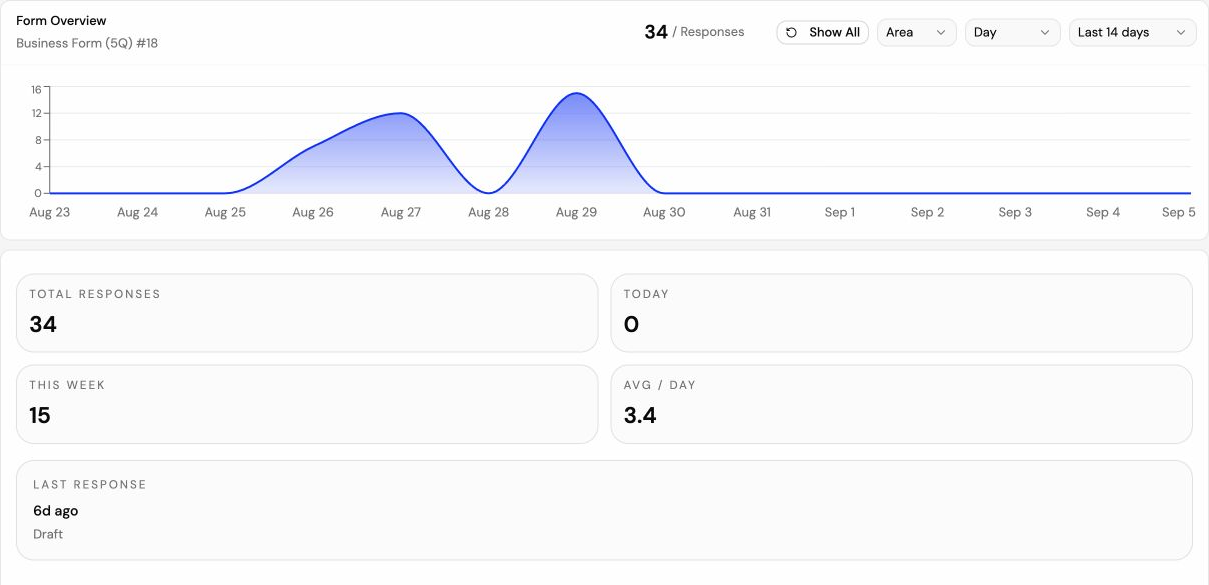
Follow activity in the dashboard and review what people shared. Export the responses when you need them elsewhere.
Build your first form for free. Shape the questions, make it yours, and share it when you are ready.
Create a form